Plans change. Your day can too.
Replan today proposes new times for the rest of your day, around fixed activities and Calendar events. Previewing is free.
Apply with Zrima Pro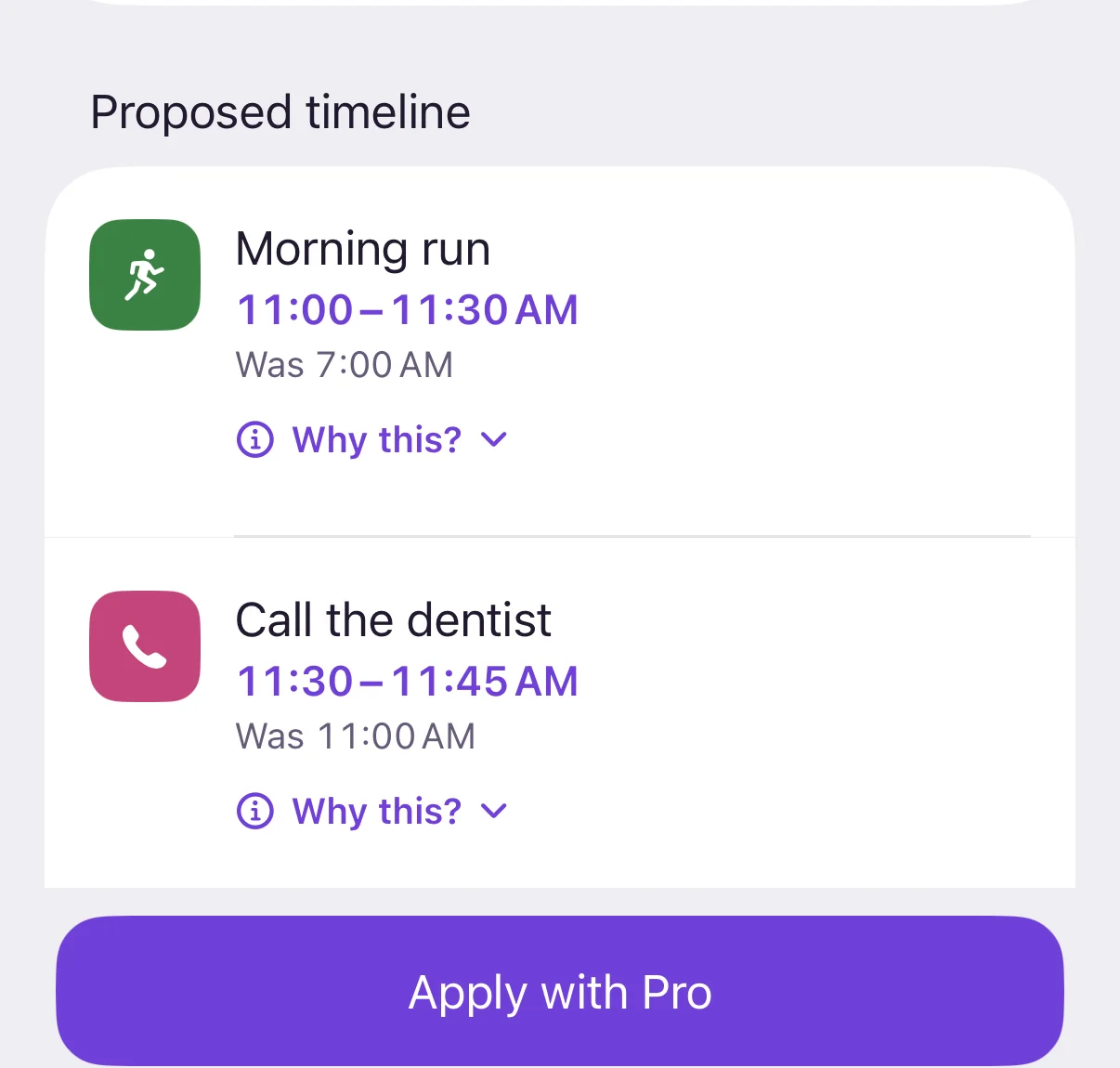

Zrima
Make a little plan. When things change, find room for what matters.

For iPhone and iPad · Free to download · No account needed
Zrima is not yet available in the EU App Store. Availability depends on your Apple Account country or region.
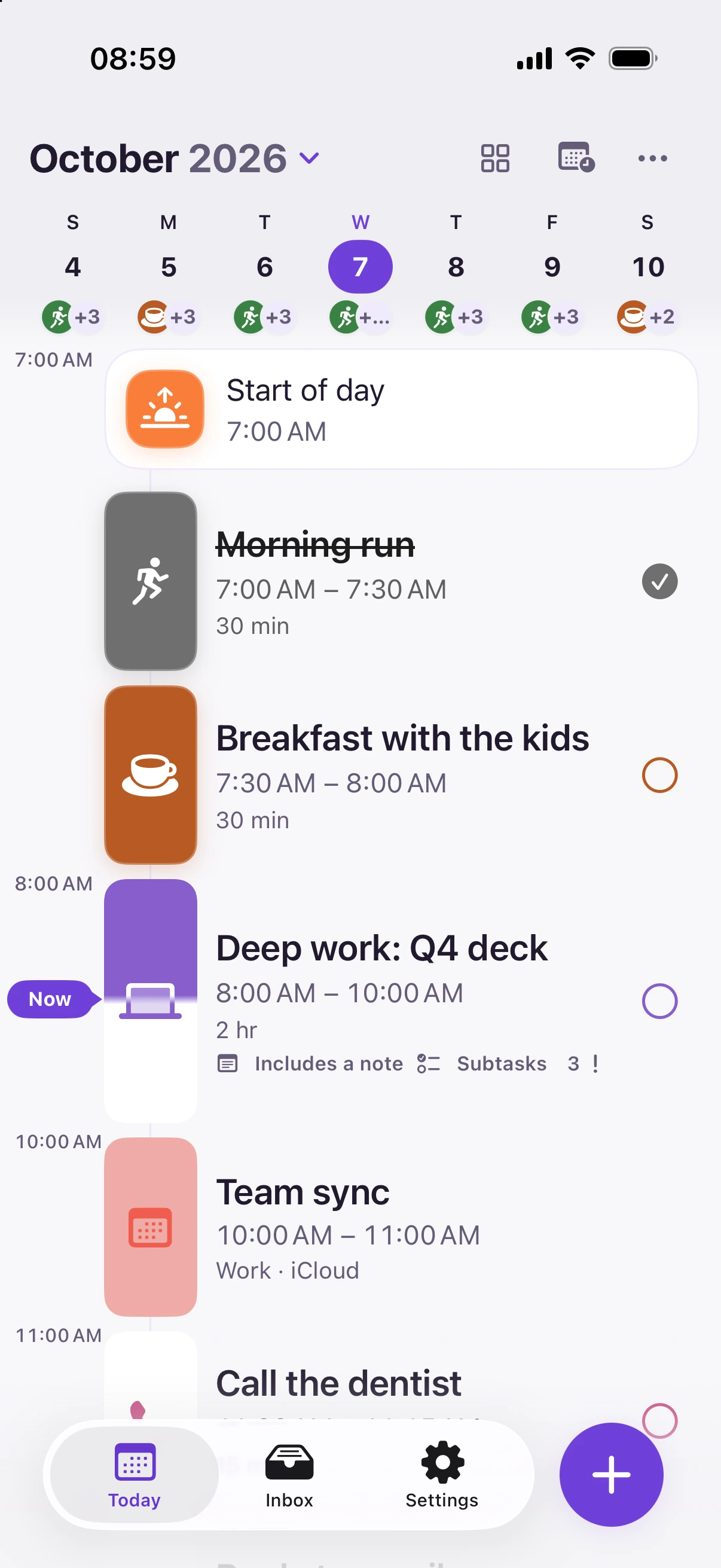
Replan today proposes new times for the rest of your day, around fixed activities and Calendar events. Previewing is free.
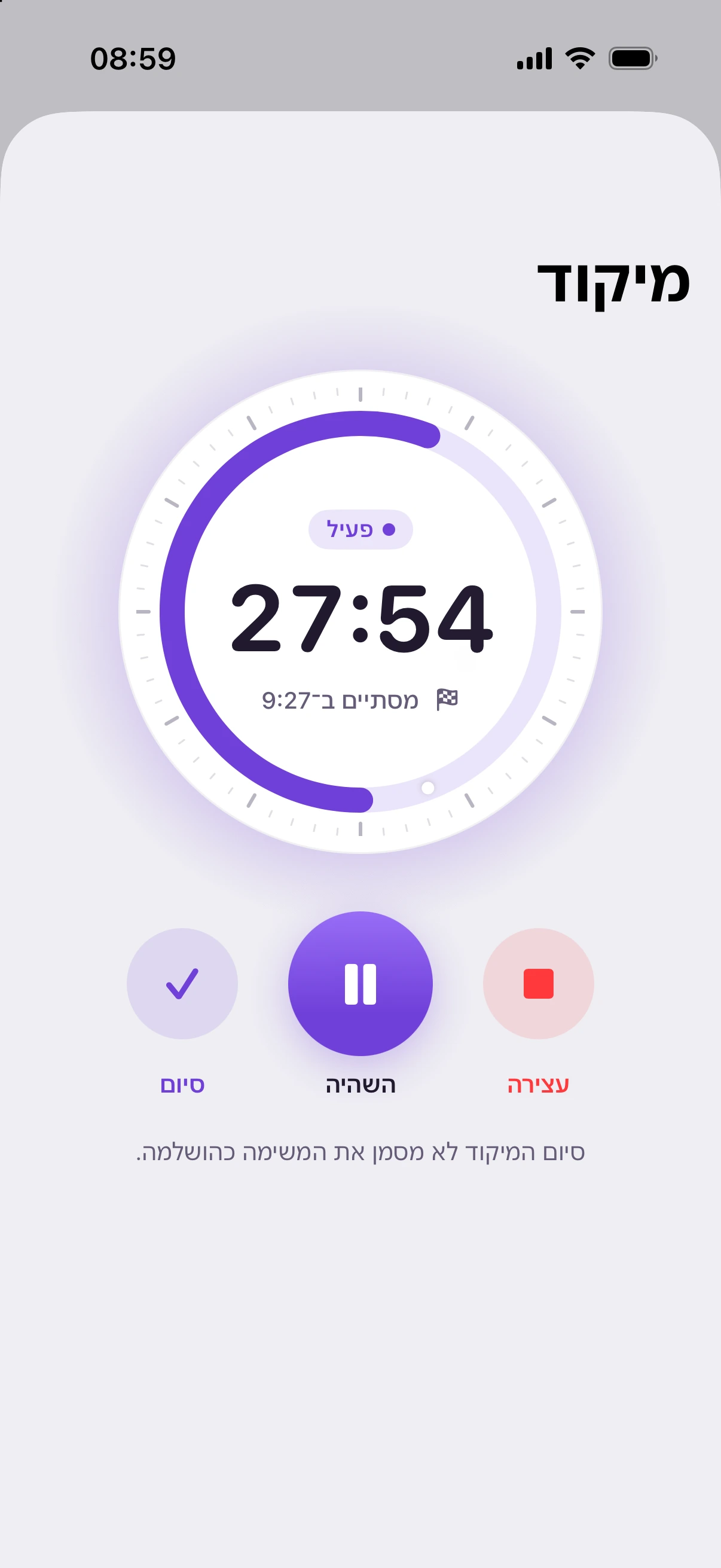
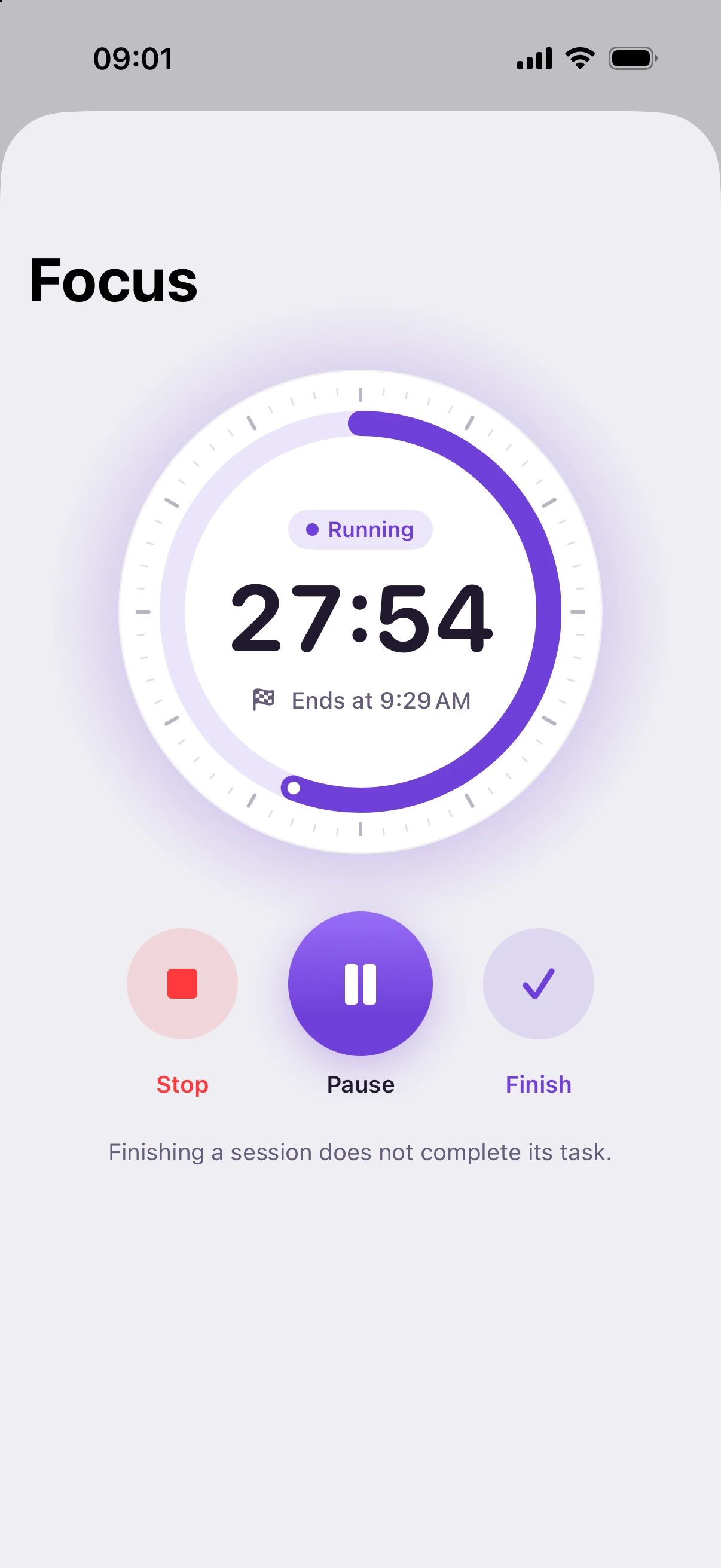
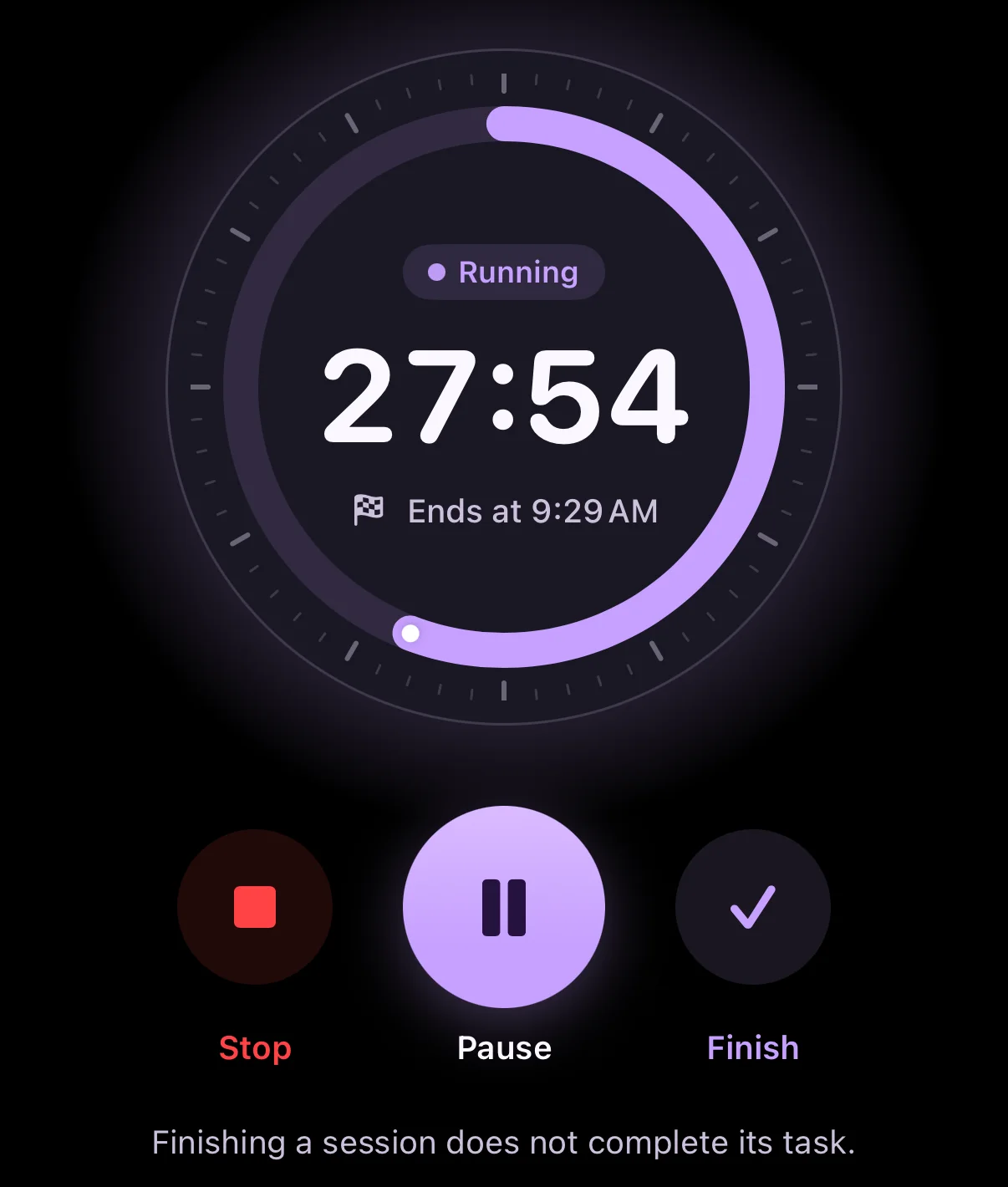
Apply with Zrima ProA focus timer tied to your activity, with a Live Activity on the Lock Screen and in the Dynamic Island.
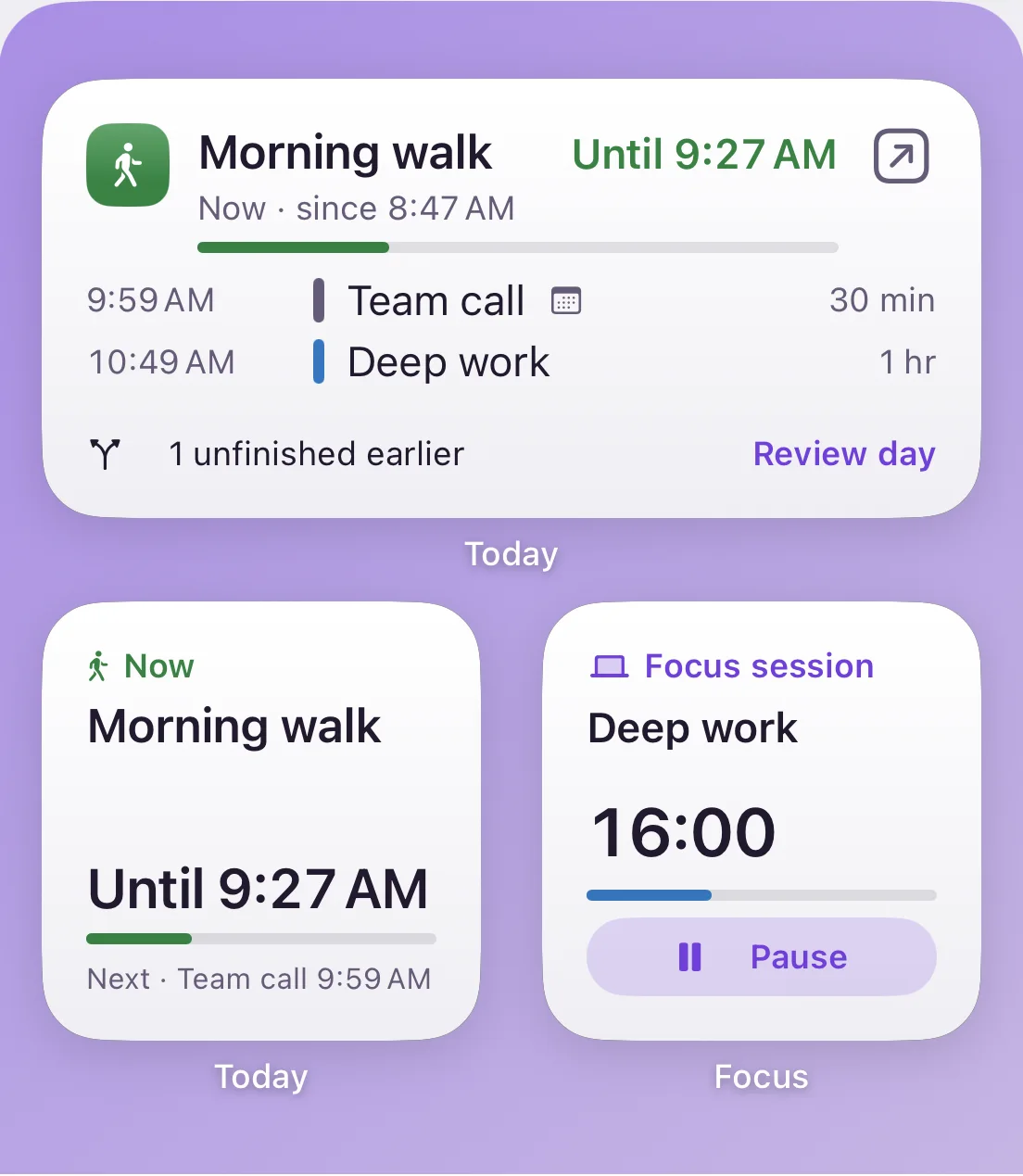
Home Screen and Lock Screen widgets show what’s happening now and what’s next.
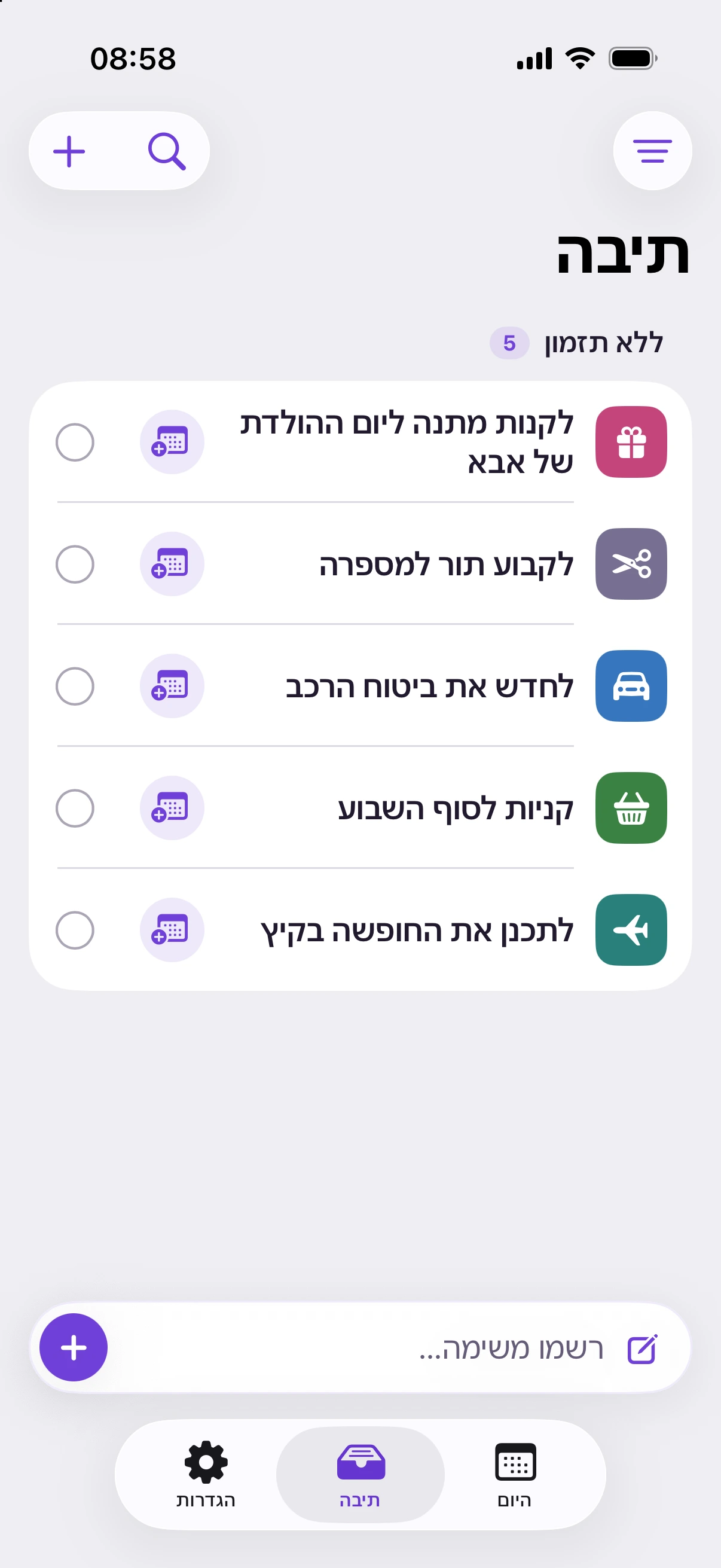
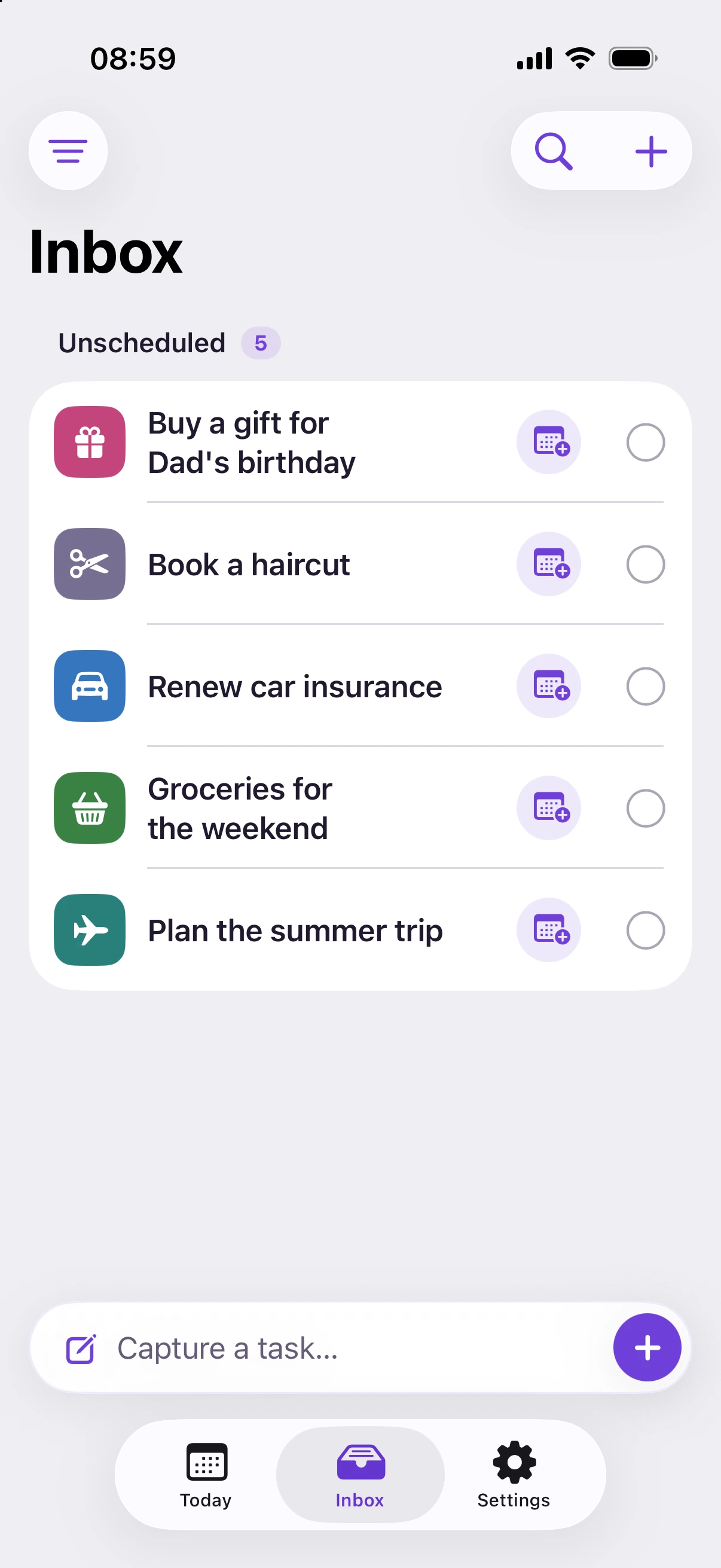
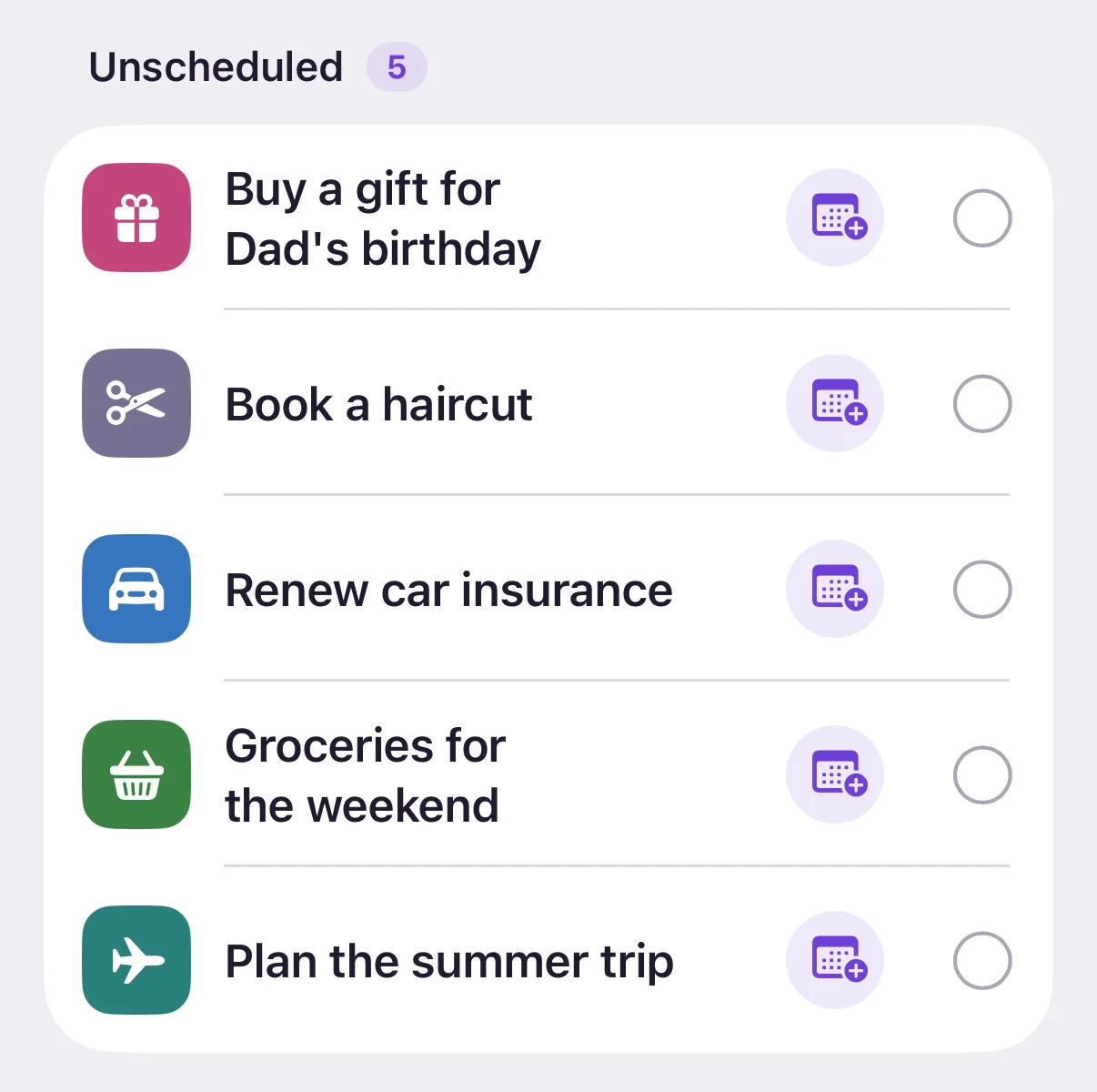
Jot down anything you’re not ready to schedule yet, then give it a time when there’s room.
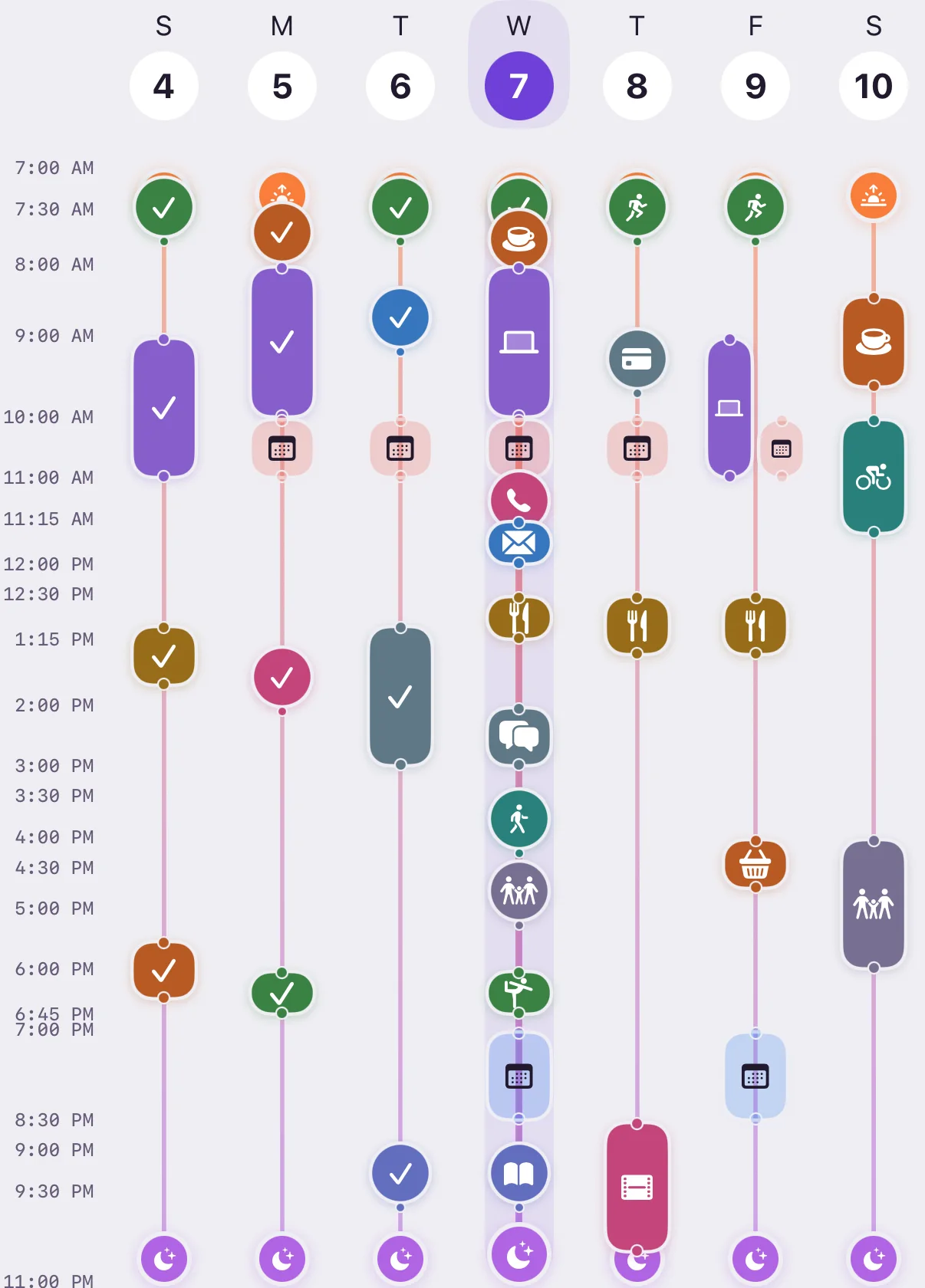
Week overview shows your activities beside your Calendar events, so you can see where there’s room.
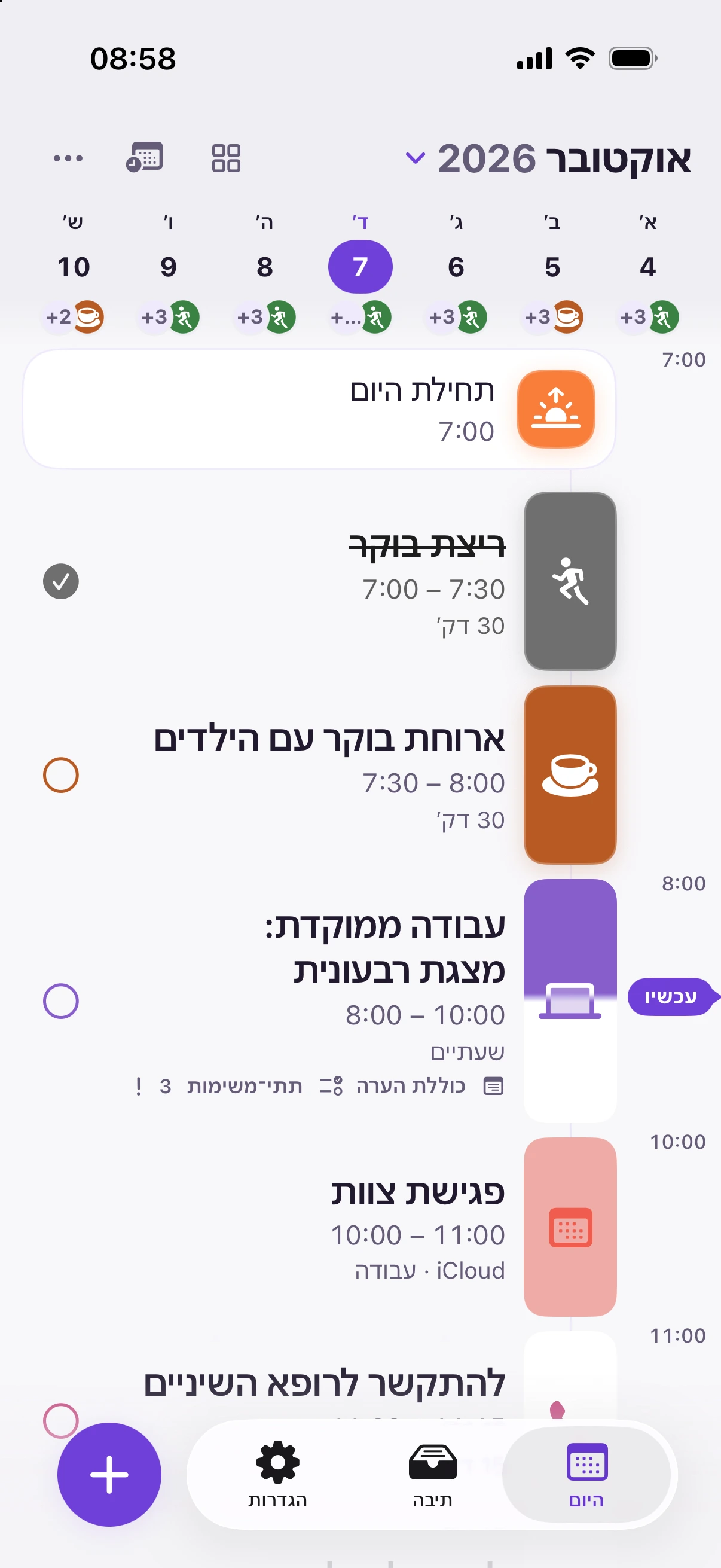
Every screen is designed for both languages, including a complete right-to-left layout.
Everyday planning is free. Upgrade in the app whenever you like.


Zrima is built to help you plan — not to collect your data.
Open the app and start planning. No sign-up, no passwords.
Your plan is saved on your device and works without a connection.
If you like, your plans move between devices through your own private iCloud.
Unlimited tasks, Inbox, focus timer, and widgets — no payment needed.

Zrima
Get Zrima for iPhone and iPad.
Scan to download
Zrima is not yet available in the EU App Store. Availability depends on your Apple Account country or region.